
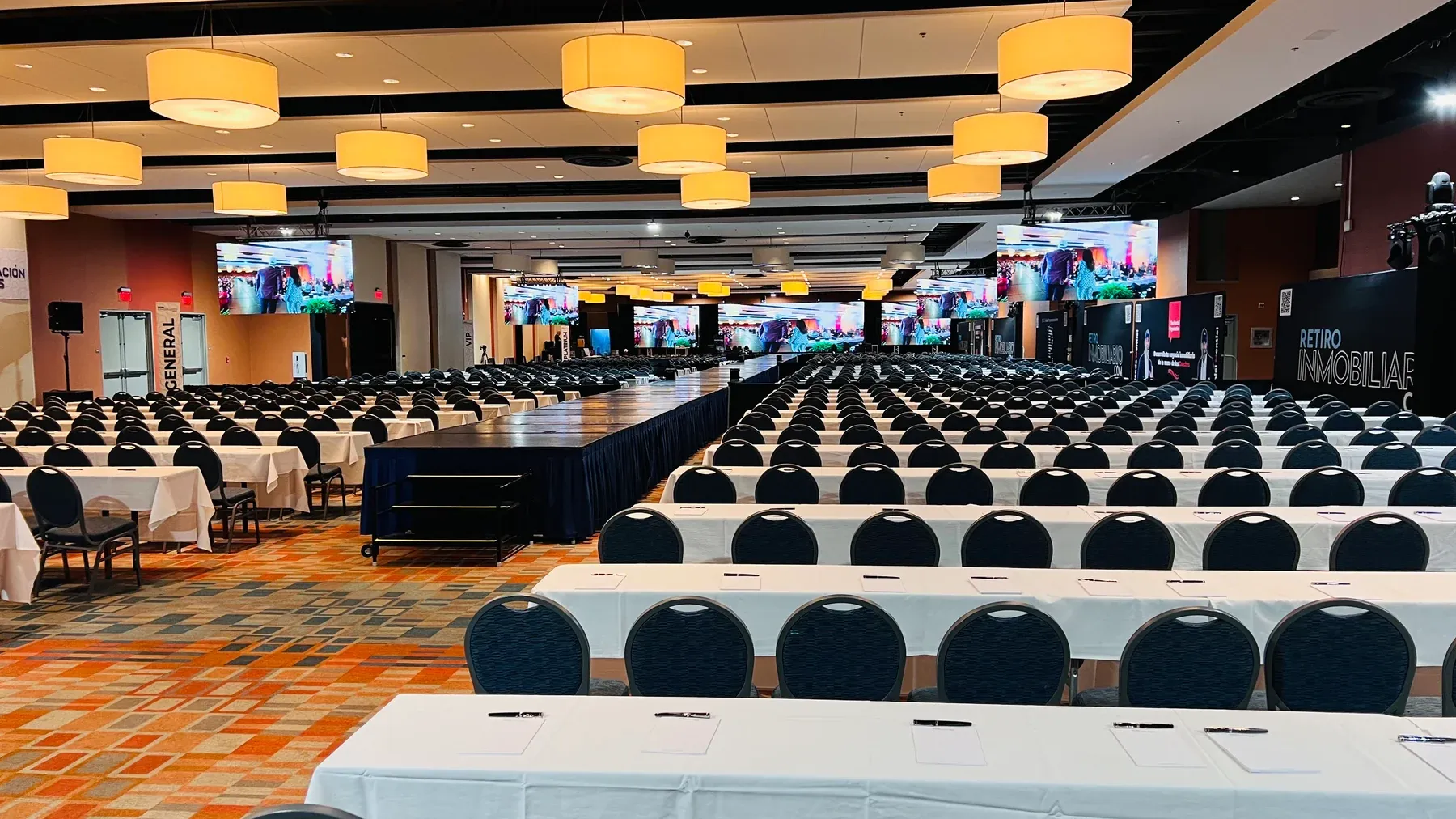
Your event production checklist
A better event starts before show day.
A successful event needs more than a room full of equipment. Use this event production checklist to turn the brief, venue, content and crew into a plan people can actually work from.
Use it for a conference, meeting, gala, launch, social celebration or community event. Work through the decisions with your planner, venue and production team; timings, equipment and responsibilities should be agreed for your specific event.
Decide what success looks like before comparing quotes.
Write a short statement of the event’s purpose. Then name the moments that must work: every guest hearing a speech, a product appearing on cue, a remote presenter being part of the conversation, or a celebration moving naturally into music.
Separate essentials from optional additions. If the budget changes, the team can protect the program’s priorities rather than remove items simply because their names sound unfamiliar. Discuss the guest experience in plain language and ask the technical team to explain its proposed approach.
Check the venue before committing to the setup.
Confirm the usable room, layout and access hours with the venue. Ask who supplies the floor plan and who can approve technical changes. Include load-in, rehearsal and breakdown, not only the time printed on the invitation.
For Miami venues, ask about outside-vendor requirements, delivery access and any in-house services the quote must coordinate with. If you have outdoor elements, identify who will make weather-related decisions and what a change of location would mean for the program. Venue and qualified production specialists should confirm safe support, power and site requirements.
Compare the support, not just the equipment list.
Ask each provider to price the same version of the brief. Check what delivery, installation, testing, live operators and breakdown mean in that proposal. Identify rehearsal coverage, overtime conditions, exclusions and the process for approving a change.
BE Productions offers individual technical services and coordinated event production. When you discuss a proposal, describe the program and ask which equipment, crew and operating coverage fit it. A quote for screens alone should not be compared as if it includes the people running an entire show.
| Part of the quote | Ask before approving |
|---|---|
| Equipment | Does this cover the room layout and the content we will show? |
| Crew | Who handles setup, rehearsal, live operation and breakdown? |
| Schedule | Which working hours are included, and how are changes approved? |
| Deliverables | Are livestreams, recordings or other outputs included or separate? |
Prepare presenters for the room they will actually use.
Make a list of who speaks, where they stand or move, and how questions reach them. Include moderators and audience questions when discussing microphone requirements. Give presenters a chance to practice with the equipment and the operator who will support them.
Check accessibility needs early with attendees and the venue. Discuss accessible routes and presentation positions, clear sightlines, captions, interpretation or listening support as applicable. Do not treat an audience microphone or a readable screen as an optional detail after the layout is fixed.
Give every important moment a cue and an owner.
Confirm the final version of each slide deck, video, logo and music file. Test the actual files on the agreed playback system, including any video sound. Keep one approved content folder and tell the crew who may authorize a replacement.
Use a run of show to join the audience agenda to the working instructions. Adapt the example below with actual times, file names and the responsible people agreed for your event.
| Moment | Production instruction | Confirm the owner |
|---|---|---|
| Guests enter | Welcome image visible; agreed background audio ready. | Event lead and assigned operators |
| Opening speech | Confirm microphone, speaker position and opening slide. | Speaker contact and audio/video operators |
| Video plays | Confirm the exact file and its sound, then the return to stage. | Cue caller and playback operator |
| Program changes | Clear the stage and prepare the next microphone or visual. | Cue caller and relevant crew |
Rehearse transitions, not only the main presentation.
A rehearsal is where the plan meets the real people and content. Walk through a presenter entrance, microphone handoff, film playback and the return to the room. If someone joins remotely, include their actual connection and a way to communicate with them outside the live program.
Agree what happens if a key file is unavailable, a speaker runs late or an important connection is interrupted. Ask which alternatives are included, who makes the decision to switch, and whether the team has tested them. The useful question is how the event can continue; a second device alone does not explain that workflow.
Make the last check from the guest’s point of view.
Walk the room after the setup is complete. Can guests hear the spoken program, see the important content and find the routes they need? Confirm that the team has the latest running order and knows how to raise a change.
Check when the venue can release the room for breakdown and who receives any agreed recordings or other deliverables. After the event, record what worked and what should change. Use those observations to improve the next brief, rather than judging production only by the equipment that was visible.
Sources and further reading
These references support the guide’s general planning practices. Scope and technical decisions are confirmed for each event.
FAQ
Questions that make planning easier
What should I send an event production company for a quote?
Send the date, venue or shortlist, guest count, rough agenda, important moments, budget range and any livestream, recording or accessibility needs. Note which details are still provisional.
Do I need to know which AV equipment to request?
No. Explain what the audience needs to see and hear. The production team can discuss an appropriate technical approach and explain the equipment, crew and coverage proposed.
How do I avoid unexpected production costs?
Ask for clear inclusions, exclusions, crew hours, venue dependencies and the written process for approving additions. Compare proposals against the same brief. This improves clarity but cannot guarantee that the scope will never change.
Does this checklist include venue booking and catering?
It focuses on technical event production. Venue booking, catering, guest management and other planning responsibilities should be assigned separately unless your agreement explicitly includes them.
Put the checklist in context
Bring the brief. We’ll ask the next questions.
Share your plans with BE Productions and discuss the sound, screens, lighting, staging and operating support your event needs.
Discuss your event production