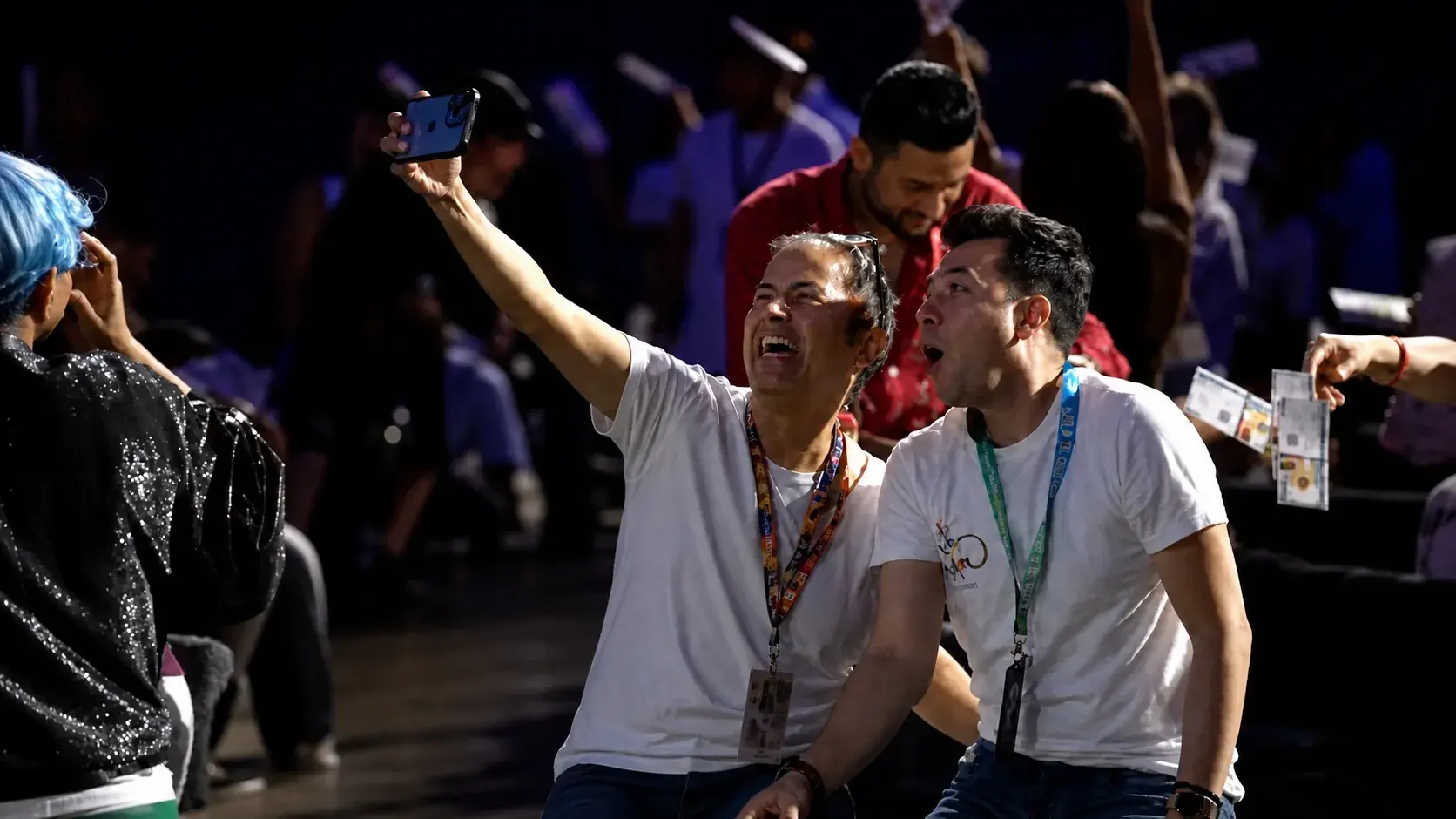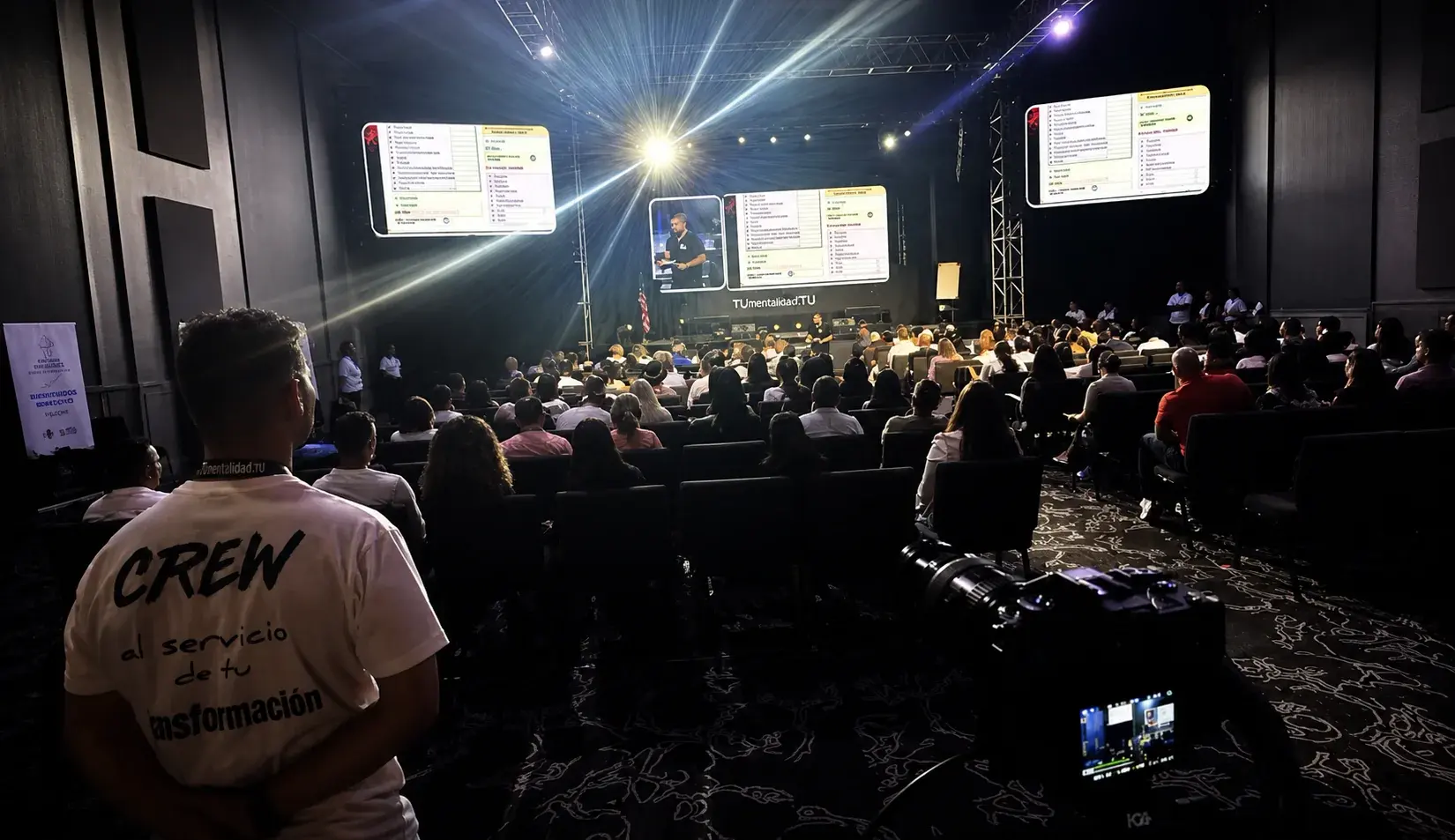
Multi-camera event video · Miami
Live event video production in Miami
Bring the speaker closer. Keep the presentation moving. Our camera and playback team turns the live program into a clear view for the room and every connected audience.
The experience
A good view changes the experience.
The audience should see the expression on a speaker’s face, follow a panel and catch the details of a demonstration. We plan the camera positions and cuts around those moments, instead of simply adding more cameras.
What we handle
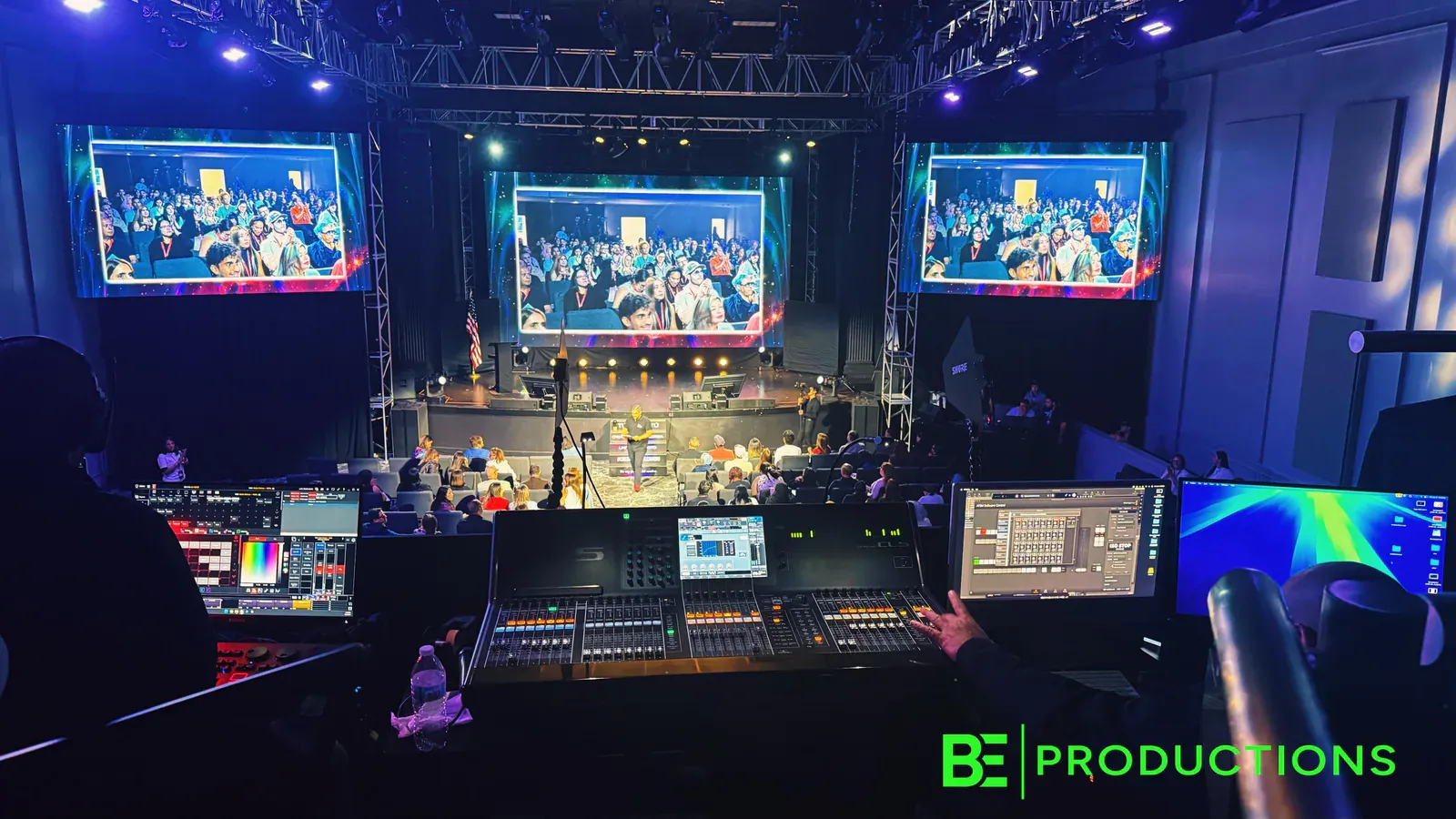
One team for the picture on screen.
Camera coverage
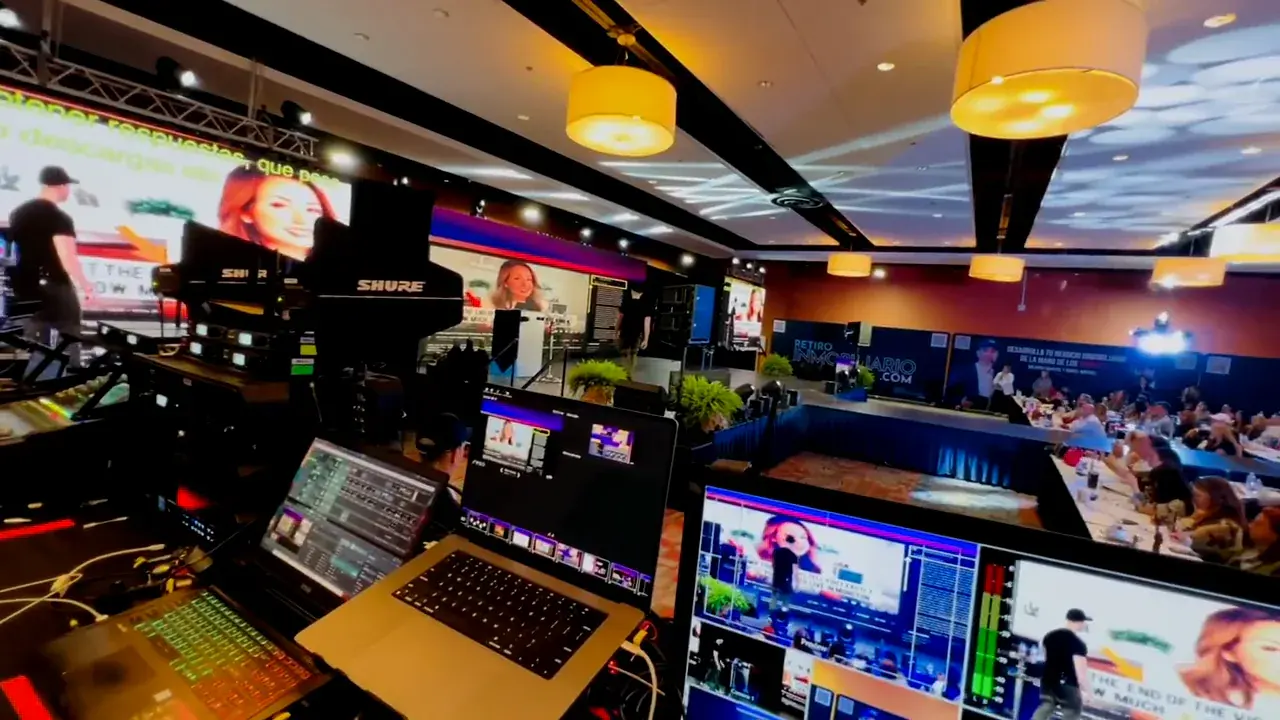
Operated and PTZ cameras positioned for presenters, panels and audience interaction.
Live switching
The right shot, slide or video selected as the program unfolds.
Presentation playback
Files checked and organized so the next piece of content is ready on cue.
Connected outputs
Feeds coordinated with in-room displays, streaming and agreed recording needs.
Before showtime
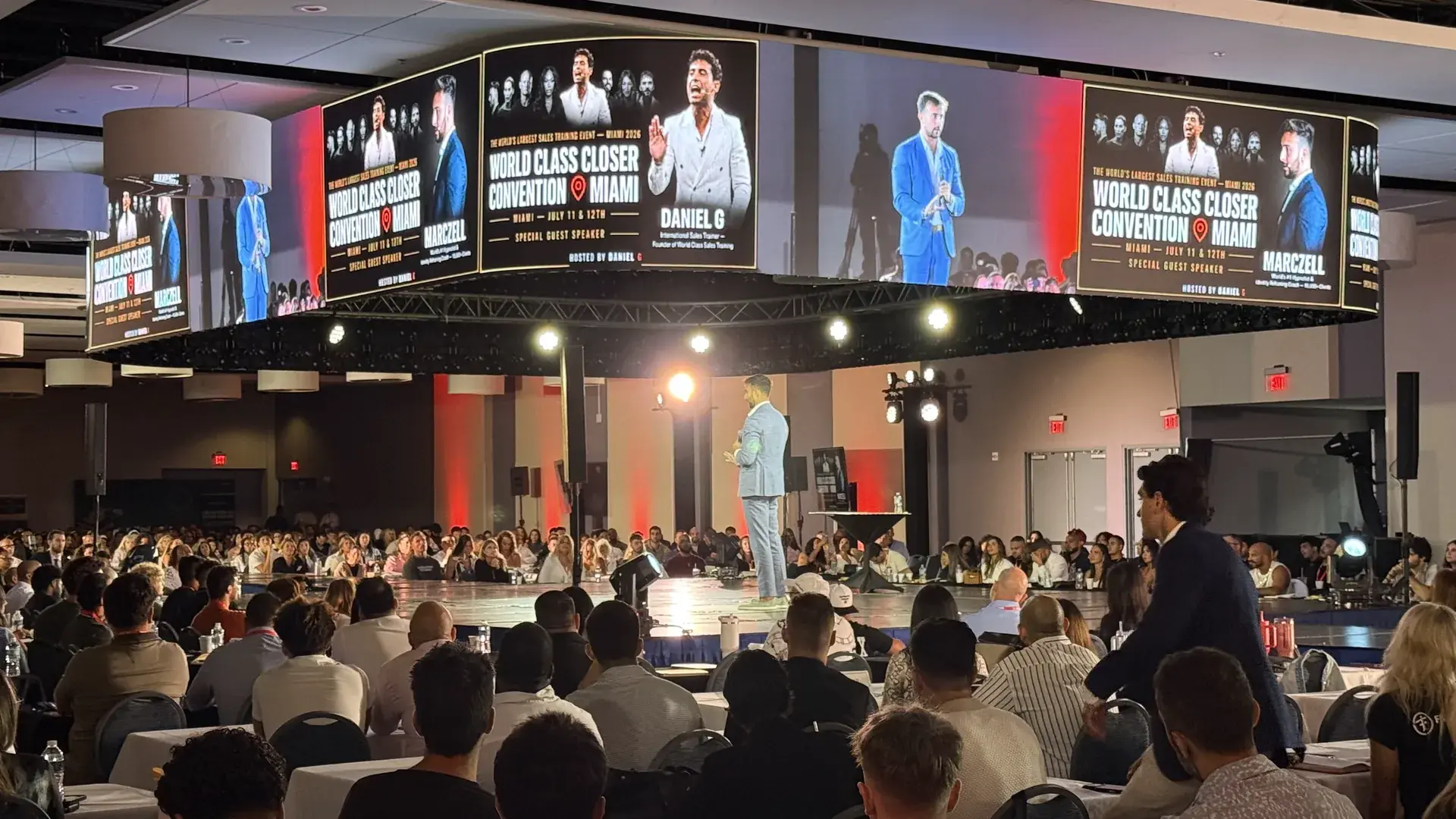
Rehearse the handoffs, not just the shots.
We confirm presentation formats, walk through transitions and coordinate with the audio and show teams. The operator knows what comes next, where it appears and who gives the cue.
The first conversation
Start with what your audience should see.
You do not need every answer yet. Share what you know; we’ll work through the rest with you.
Venue, stage layout and presenter positions.
Agenda, panels and demonstrations.
Slides, videos and other presentation content.
In-room screens, streaming or recording needs.
FAQ
Event video production questions
Do you provide 4K and HD event cameras?
Yes. BE Productions supports 4K and HD camera workflows. The final format depends on displays, switching, streaming, content and delivery requirements.
What is the difference between manned and PTZ cameras?
Manned cameras provide an on-position operator for responsive framing. PTZ cameras can provide controlled coverage from positions where a staffed camera may not be practical. A production may use either or both.
Can cameras feed the LED wall?
Yes. In-room camera feeds can be included when switching, processing, screen layout, latency and signal routing are planned together.
Can video production connect to a livestream?
Yes. The camera program can become part of a livestream workflow when broadcast audio, graphics, platform and redundancy are included in the scope.
How many cameras does an event need?
Camera count follows the agenda, stage positions, audience coverage, room layout, desired shots and program-feed requirements.
Connect the rest of the production.
Bring your program into focus.
Tell us about the event and where the picture needs to go. We’ll build the video workflow around it.
Plan your event video