Livestream and hybrid production · Miami
Livestream & hybrid event production in Miami
Make the people online feel part of the room. We connect cameras, presentations, sound and remote speakers into a program that works for both audiences.
The experience
Your remote audience is an audience, too.
People joining online need more than a camera at the back of the room. They need a clear voice, readable content and a view that follows the conversation. We design that experience alongside the event itself.
What we handle
A connected show, wherever guests join.
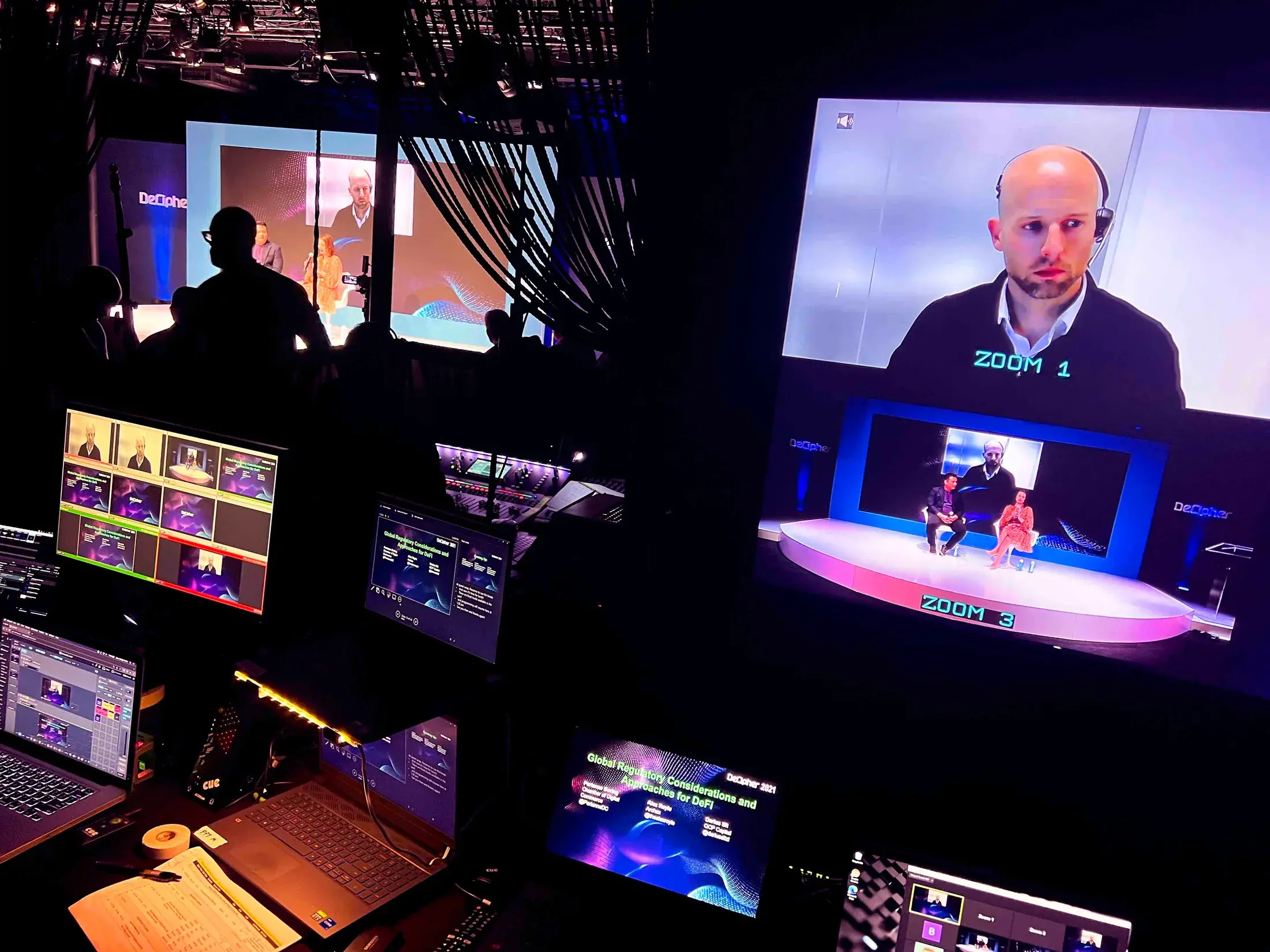
Picture & presentation
Camera shots, slides and videos composed for online viewing.
Broadcast sound
A dedicated mix that helps remote listeners follow speakers and playback.
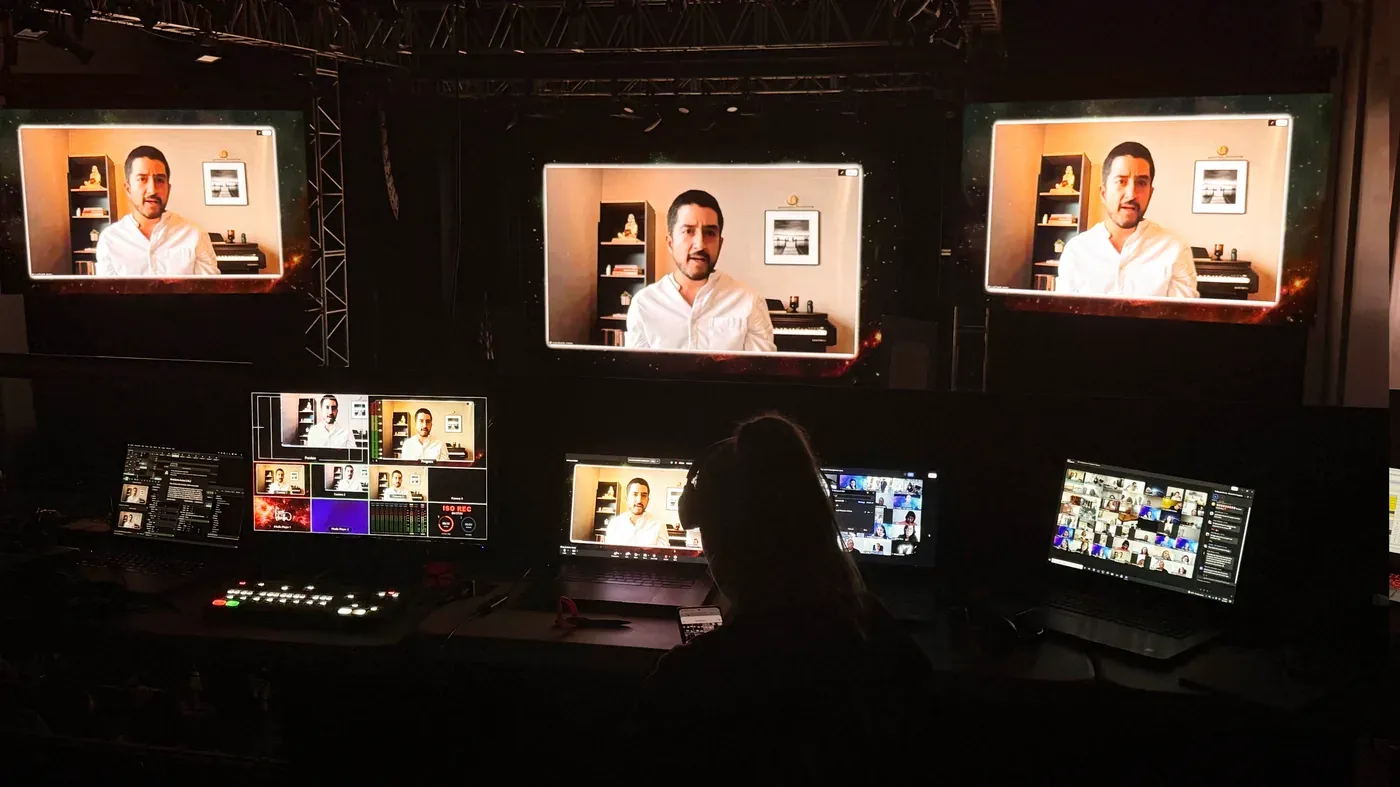
Remote presenters
Platform setup and checks for speakers joining through tools such as Zoom.
Live production support
Operators managing the program and an agreed plan for critical backup paths.
Before showtime
Test the connection before it becomes the show.
We confirm the platform, audience access and venue connectivity, then rehearse how remote speakers join and return to the room. Backup planning follows the parts of your program that cannot be missed.

The first conversation
Tell us who is joining—and how.
You do not need every answer yet. Share what you know; we’ll work through the rest with you.
Event date, venue and chosen platform.
Audience access: public, private or registered.
Remote speakers and presentation content.
Known internet access and recording needs.
FAQ
Livestream production questions
Can you produce a Zoom-based hybrid event?
Yes. Zoom can be integrated with the room, cameras, audio, playback and remote participants when platform responsibilities and the program workflow are defined.
Can cameras and presentation content appear in the stream?
Yes. Cameras, slides, videos and other approved content can be switched into the program feed when the content and signal plan are established.
How is redundancy planned?
The appropriate backup plan depends on the platform, venue connectivity, power, playback, audience and program risk. Critical paths should be identified before show day.
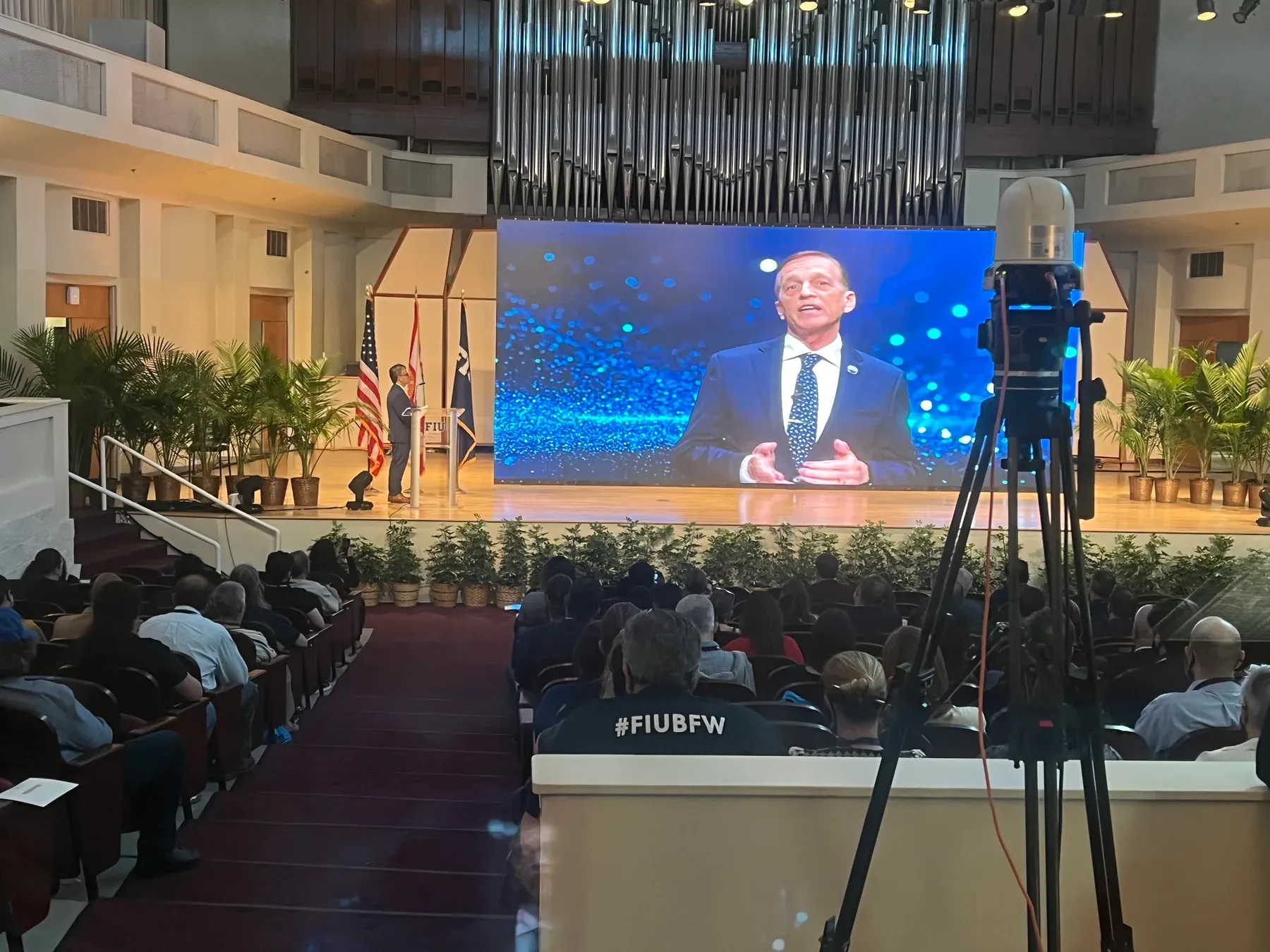
Can the livestream and in-room screens use the same program?
They can share sources, but each audience may require a different composition. The screen and stream outputs should be designed deliberately.
Connect the rest of the production.
Bring both audiences together.
Tell us about the room and the people joining online. We’ll connect the production around them.
Plan your livestream